You do not have to answer every question - only the ones that speak to you.
There are ten questions. Two of them have a second part, which makes twelve answer boxes.
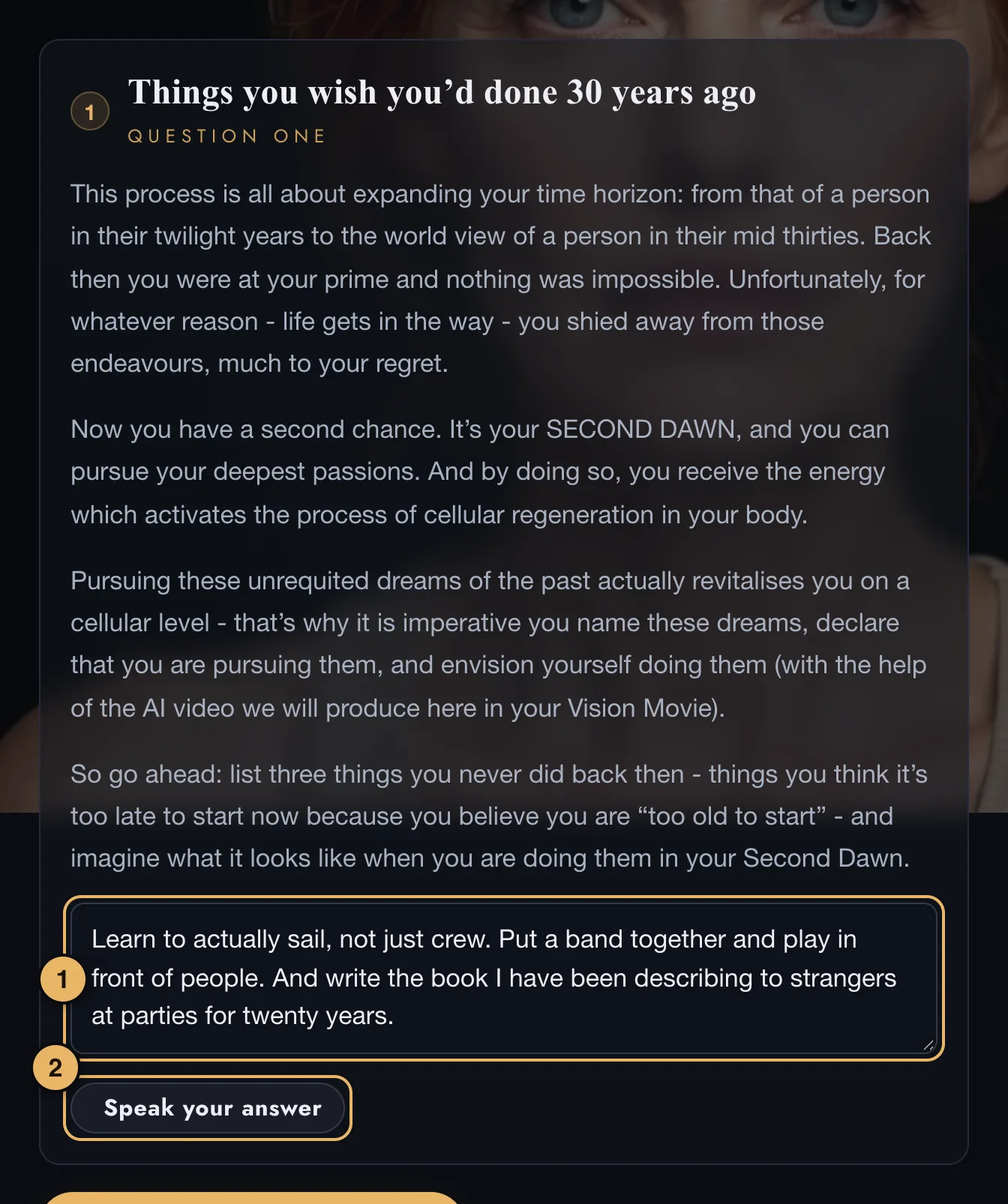
- Your answer. Type here. Ramble as much as you like - we tidy it up. The box grows as you write.
- Speak your answer. Press it and talk. Your words appear as you speak. Press it again to stop.
Speaking your answers
- Speaking works in Safari and in Chrome.
- The first time, your browser asks for permission to use the microphone. Choose Allow.
- On an iPhone, Dictation must be turned on: Settings → General → Keyboard → Enable Dictation.
- You can mix the two: speak, then correct the words by typing.
When you have finished
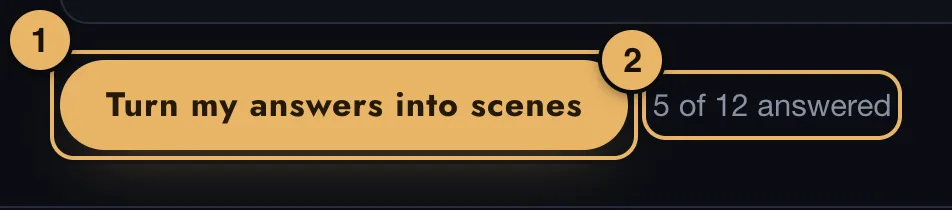
- Turn my answers into scenes. Writes a caption and a picture idea for each scene, and takes you on to page 5.
- Counter. How many of the twelve boxes you have answered.
You can change every caption and every idea on the next page.